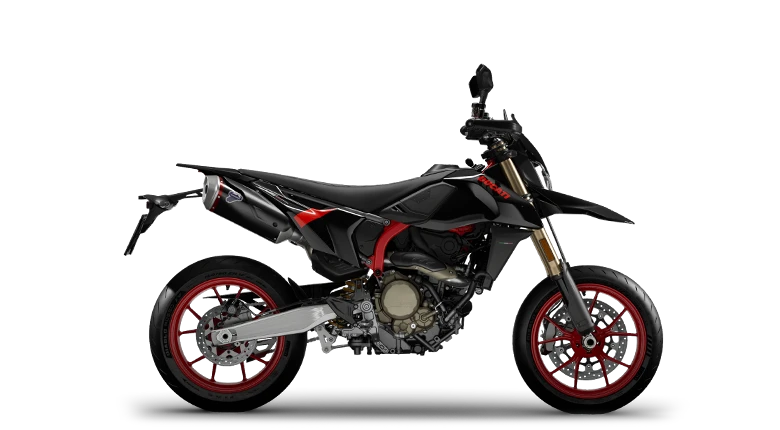
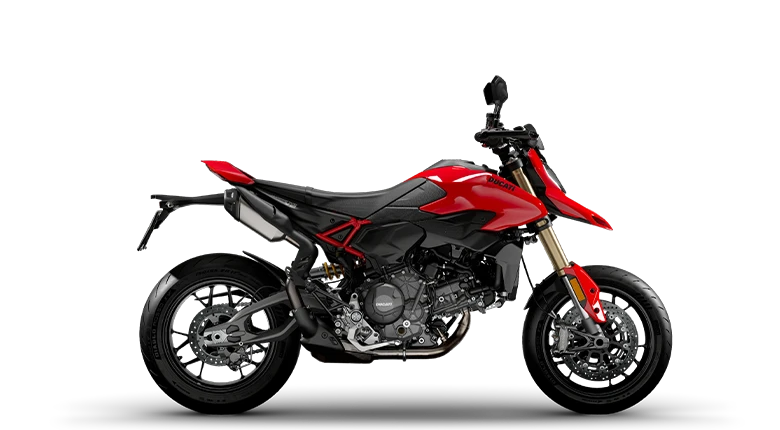
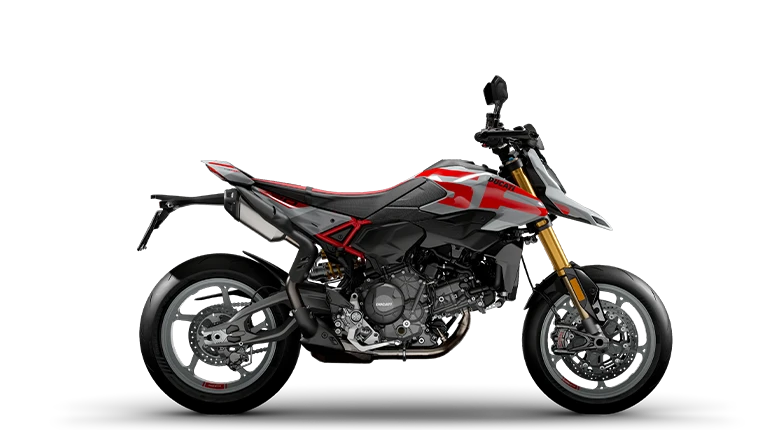
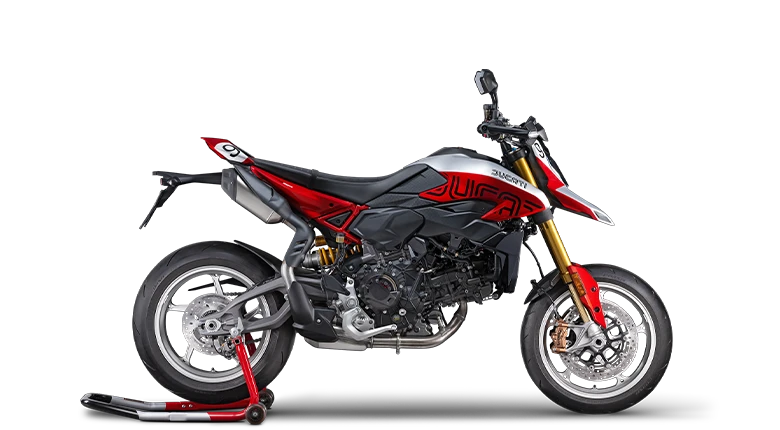
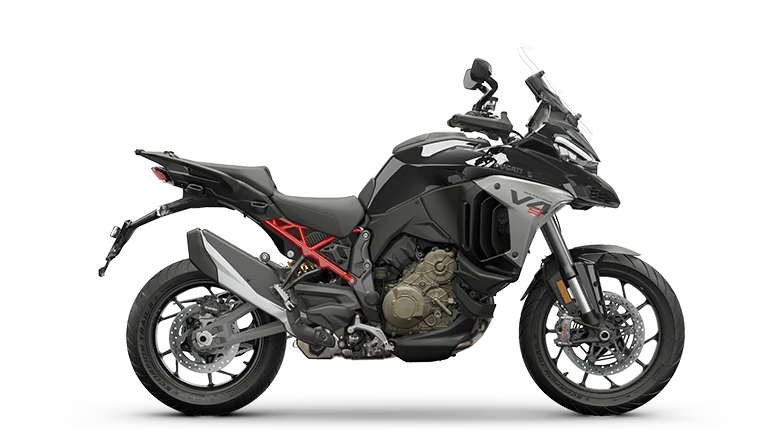
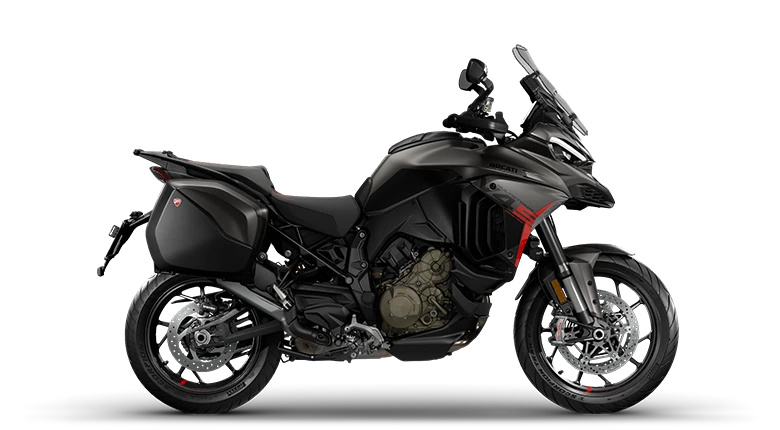
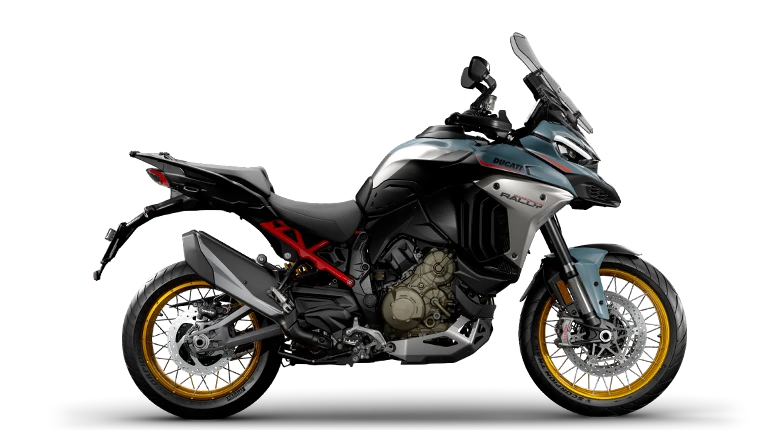
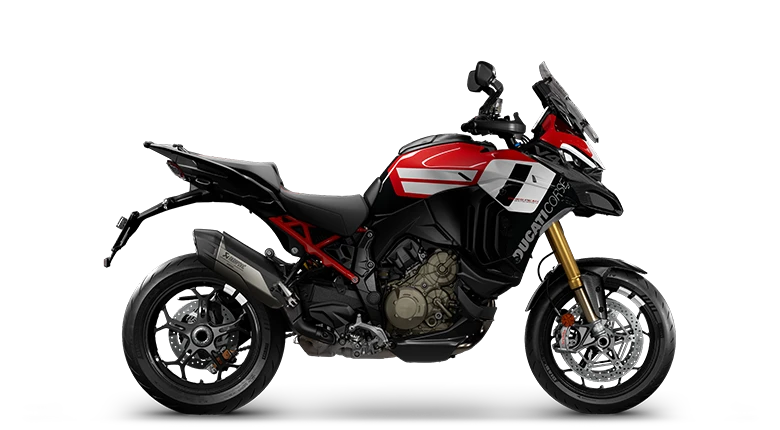
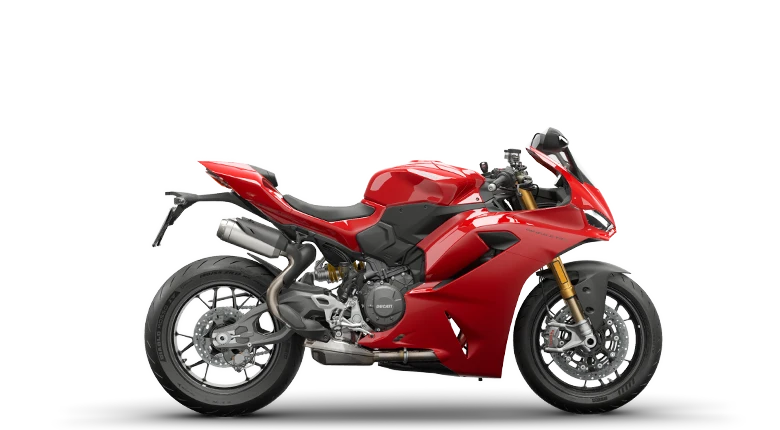
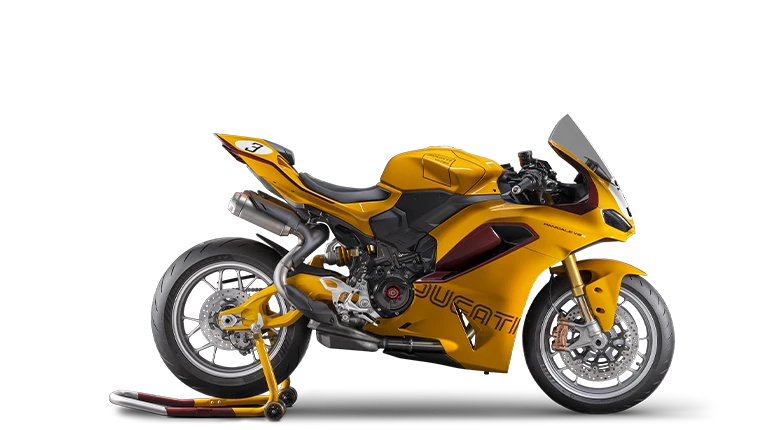
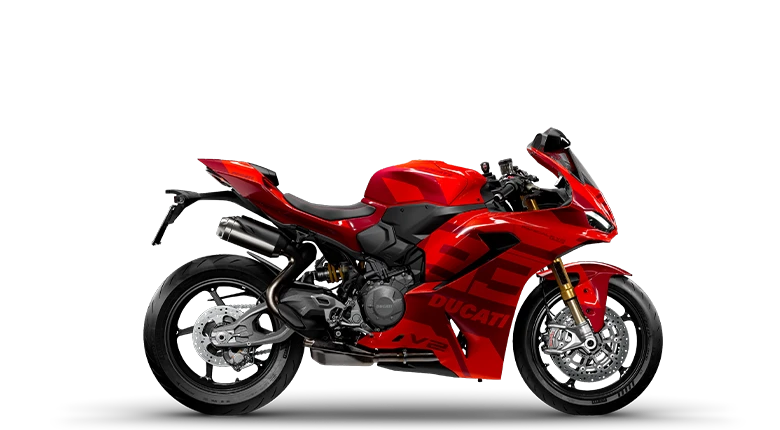
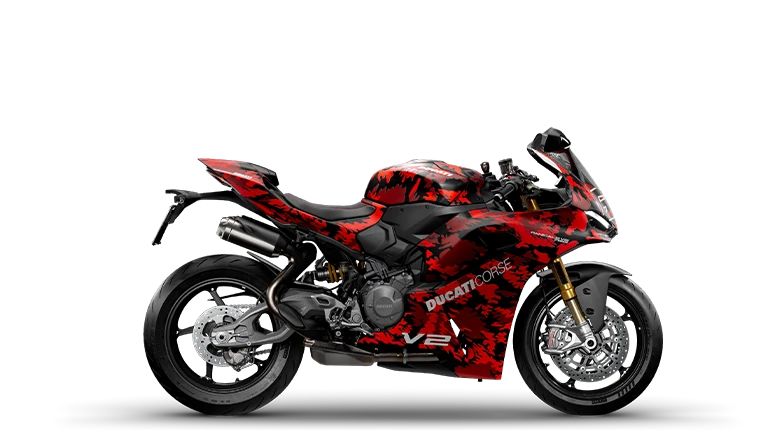
2 Riding Modes as standard
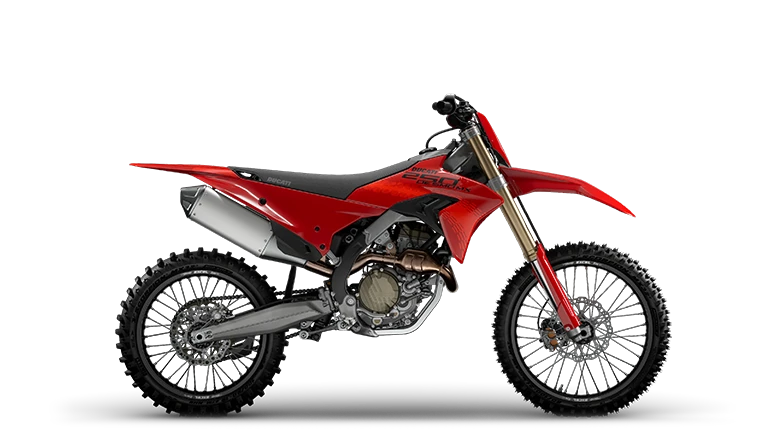
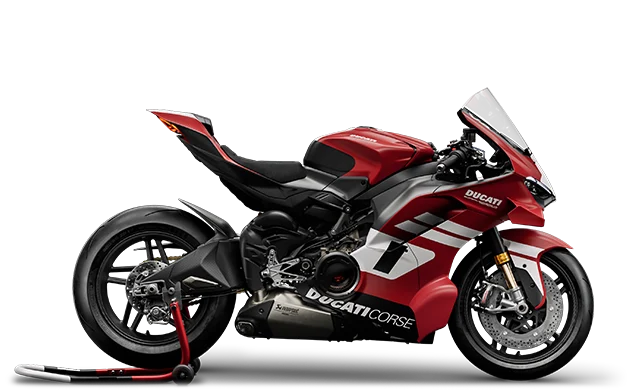
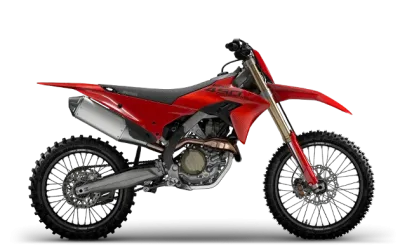
All the electronic controls are preconfigured in two riding modes available as standard on the Desmo250 MX. By adding the Wi-Fi connectivity module, the Desmo250 MX can connect to a smartphone with the X-Link app. The rider can use the app to configure the Riding Modes as they choose, adjusting the control intervention levels. It is also possible to save customised Riding Modes in the app and upload them to the ECU based on the conditions of use. The Riding Modes are managed via the switchgear on the left of the handlebar, allowing the rider to change the selected Riding Mode, enable or disable Traction Control and Quickshifter, or activate Launch Control.
Ducati Traction Control
Traction control on the Desmo250 MX is a system that can control wheel slippage, offering a tangible benefit in terms of safety and performance for riders of every level (patent pending). In a series of comparison tests, the DTC system delivered a lap time improvement of between 0”3 and 1”6 depending on rider ability, with an average improvement of around one second. When the same test was conducted on bikes with a conventional system, the improvement was between 0 and 0”5, or there was no improvement at all. DTC on the Desmo250 MX can be adjusted according to three levels, with a system-driven intervention logic. The lower levels mean less electronic intervention, while the higher levels are calibrated to offer the rider greater support. The system can of course be disabled.
Launch Control
With three levels of intervention, the Launch Control system acts on the rev limiter to help the rider best exploit the engine power during the launch phase. Levels 1 and 2 indicate less invasive intervention, while level 3 guarantees more “safe and stable” behaviour off the line. The system automatically deactivates when the rider engages fourth gear or releases the throttle grip.
Ducati Quick Shift activation
The Quick Shift is activated via the handlebar switchgear, allowing for rapid management also when riding.
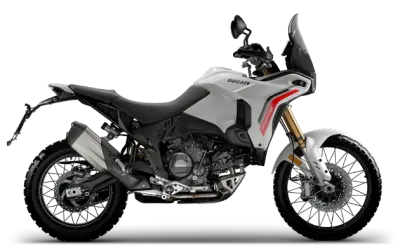 DesertX
 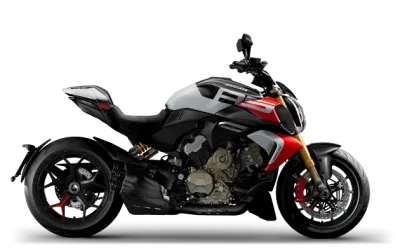 Diavel
  Heritage
  Motard
 Monster
  Multistrada
 Off-Road
 Panigale
 Streetfighter
  Superleggera
 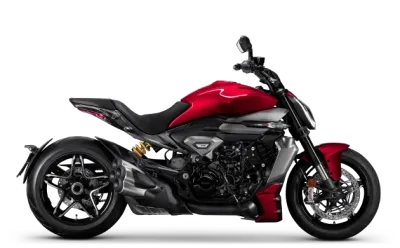 XDiavel
 35 kW Bikes
 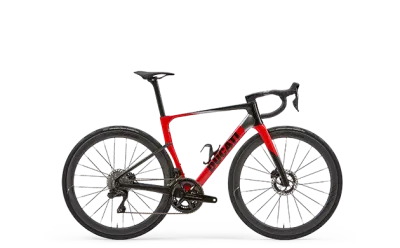 Ducati Cycling